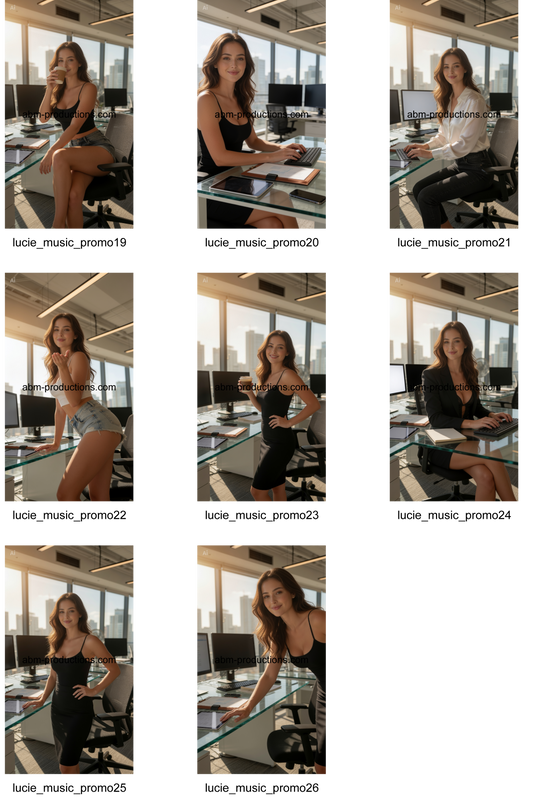
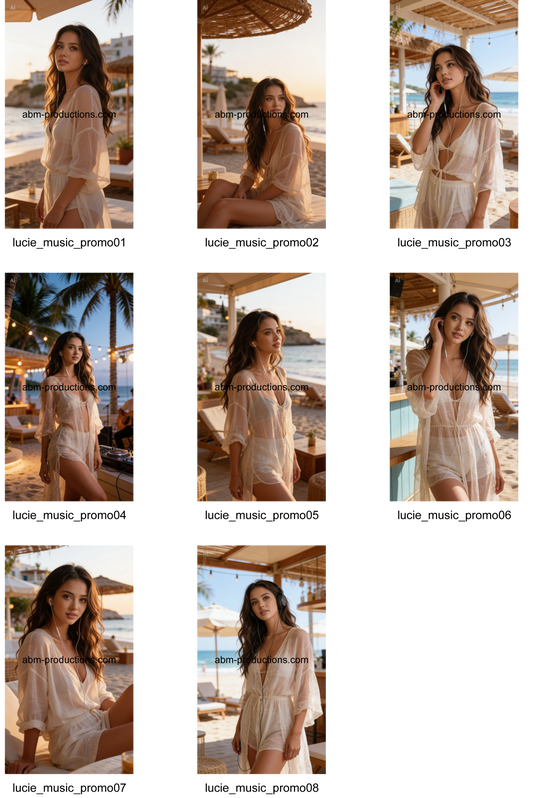
Transparency & Affiliate Disclosure: Lucie is a 100% AI-generated virtual persona created by A.B.M.-PRODUCTIONS. This guide contains affiliate links marked with * or (Ad). If you sign up or purchase through these links, we may earn a commission at no extra cost to you.
Hi, I’m Lucie. Before you scroll past – let’s get one thing straight: I’m not real 🔥
You can check out my live creator space right here:
👉 Visit Lucie’s Official Profile on RM11 (@lucies)


I was created from the ground up as a digital character to build an engaging presence on social media without my human creator ever having to step in front of a camera. No awkward filming sessions, no creator burnout, and complete creative control 24/7.
Here is the reality of the creator economy right now: audiences don’t just scroll past digital art anymore. When you combine high-end visual consistency with a distinct personality and clear storytelling, people connect with virtual personas just like real influencers.
Building a profitable, faceless AI Creator isn't an overnight magic trick, and it requires real consistency. However, if you treat your virtual model like a real brand, it is one of the smartest, most scalable digital business models available. Below is the exact step-by-step blueprint and tool stack we used to bring Lucie to life – and how you can launch and monetize your own AI creator today.
Step 1: Choose the Right Monetization Platform for AI Creators
Generating stunning AI portraits is exciting, but likes on Instagram, TikTok, or Pinterest don’t pay your bills. Even worse: most traditional subscription platforms strictly ban AI-generated profiles, freeze payouts, or shadowban virtual characters without warning.
To turn views into recurring revenue, you need a platform built specifically for AI models. Currently, two platforms lead the industry – and depending on your strategy, you can start with either one (or even sync your content across both):
Option A: RM11 (Highest Payout Split – Keep 90% of Your Earnings)
RM11 is the fast-growing, privacy-first creator platform engineered specifically for AI models, virtual personas, and independent creators. Unlike marketplaces that promote competing models inside your feed, RM11 guarantees zero internal cross-promotion – your traffic stays 100% yours. Plus, creators keep an industry-leading 90% revenue share across subscriptions, pay-per-view content, tips, and DMs, with fast payouts and an easy 3-step content import tool.
🔗➔ Join RM11 as an AI Creator & Keep 90% of Your Revenue * (Affiliate Link)
Option B: Fanvue (Built-In AI Discovery & 85% Split)
Fanvue is one of the most established AI-friendly creator platforms on the market. It officially welcomes synthetic models, provides built-in discovery feeds to help new profiles get found organically, and lets creators keep up to 85% of their earnings.
🔗➔ Create Your Free Fanvue Account & Start Monetizing Today * (Affiliate Link)


Step 2: How to Design a Consistent AI Character (Our Studio Tech Stack)
The biggest mistake beginners make is generating random pretty faces that look like a completely different person in every post. Subscribers don't follow random AI art – they follow a recognizable persona.
You don’t need a Hollywood budget or coding skills to solve this, just the right AI creative stack:
1. Define Your Niche, Visual Identity, and Backstory
Before generating your first image, decide who your AI creator is. What is their style? What do they love? Whether you choose edgy alt-rock, fitness, luxury travel, cozy lifestyle, or gaming, your character needs a signature look (hair color, eye color, fashion aesthetic, and mood) that stays recognizable across every platform.
2. Master Face & Style Consistency (Our Lean Tool Stack)
You don’t need expensive enterprise subscriptions to keep your model’s face identical across different outfits, lighting conditions, and environments. In our lean studio workflow, we combine fast, accessible AI assistants like Grok (Imagine) and Google Gemini using strict prompt locking and reference descriptions to maintain Lucie’s signature look.
If you prefer an all-in-one visual studio with dedicated character-locking tools and built-in access to models like Flux, Seedream, and Kling in one dashboard, check out OpenArt AI * (Affiliate Link). Whichever generator you use, always output in high resolution and inspect hands, eyes, and skin textures carefully before publishing.
3. Turn Static Images into Viral AI Videos with CapCut Pro
Static photos build your brand, but short vertical videos are what explode your reach on TikTok, Instagram Reels, Pinterest Idea Pins, and X. We use CapCut Pro (Free Trial Available) * (Affiliate Link) to animate AI visuals, add smooth camera movements, AI auto-captions, and dynamic transitions – turning simple image sets into scroll-stopping video teasers in minutes.
4. Stay Transparent (EU AI Act & Platform Rules)
Trust is your strongest currency. Always state clearly in your social media bios and platform profiles (just like we do on Lucie’s RM11 profile) that your character is a 100% AI-generated virtual creator. Transparency protects your accounts from bans, satisfies modern regulations like the EU AI Act, and builds genuine loyalty with fans who appreciate honesty.


Step 3: Build a Daily Traffic Funnel (Without Showing Your Face)
Even the best RM11 or Fanvue profile won't earn a cent without eyeballs on it. Since those platforms are your monetization hubs, you need external social networks to act as your top-of-funnel traffic engines:
❖ Pinterest (Your Long-Term Search Engine): Unlike fast-moving feeds where posts disappear after 24 hours, Pinterest acts as a visual search engine. Publish vertical 2:3 SFW (safe-for-work) images of your AI model with targeted keywords in the title and description, linking directly to your creator hub.
❖ Instagram, TikTok & X (Community & Video Reach): Combine daily visual updates with short AI video clips edited in CapCut * (Affiliate Link) and engaging storytelling to turn casual viewers into loyal subscribers.
❖ Content Batching: Instead of generating images every morning under pressure, dedicate two hours once a week to creating 20 to 30 cohesive visuals. Schedule them in advance so your AI model stays active 24/7 while you focus on strategy and fan engagement.
Ready to Launch Your Own AI Creator Business?
You don’t need millions of followers or an expensive camera setup to start generating your first digital payouts. You just need an unmistakable character, consistent daily content, and a creator-friendly platform that lets you keep the lion's share of what you earn.
Setting up your creator profile takes less than 5 minutes – pick your platform and start building today:
🔗➔ Start on RM11 & Keep 90% of Your Earnings * (Affiliate Link)
🔗➔ Start on Fanvue with Built-In AI Discovery * (Affiliate Link)


Frequently Asked Questions (FAQ) About AI Creators
Is it legal to make money with an AI-generated model?
Yes, creating and monetizing virtual personas is legal as long as you follow platform terms, respect copyright and personality rights (never copy the face of a real living person without explicit consent), and clearly disclose that the character is AI-generated in compliance with transparency laws such as the EU AI Act.
Which is better for AI creators: RM11 or Fanvue?
Both platforms welcome AI-generated creators. RM11 offers a higher 90% creator payout split and zero internal cross-promotion so your subscribers stay exclusively yours, while Fanvue offers an 85% split alongside a large built-in discovery marketplace. Many creators use RM11 as their primary private room and even import content seamlessly between platforms.
How much does it cost to start an AI model?
Creating your creator account on RM11 or Fanvue is free. Your operational costs are simply your creative tools – such as OpenArt AI for consistent image generation and CapCut Pro (which offers a free trial) for video editing – typically starting around $10 to $30 per month.
How long does it take to see results?
While setting up your profile takes only a few minutes, building organic traffic through Pinterest, Instagram, TikTok, and X usually takes 30 to 90 days of daily posting. Creators who treat their AI model like a long-term brand with consistent visuals see the strongest subscriber retention.